Meniu

Coșul dvs. este gol
Continuați cumpărăturileLiniștea înaintea instinctului.
Membrii haitei avansează mai repede.
🐺 Alătură-te haiteiEști deja membru? Conectează-te
Membrii haitei avansează mai repede.
🐺 Alătură-te haiteiEști deja membru? Conectează-te

Disponibilitate: 999 în stoc
Nu se poate încărca disponibilitatea serviciului de ridicare


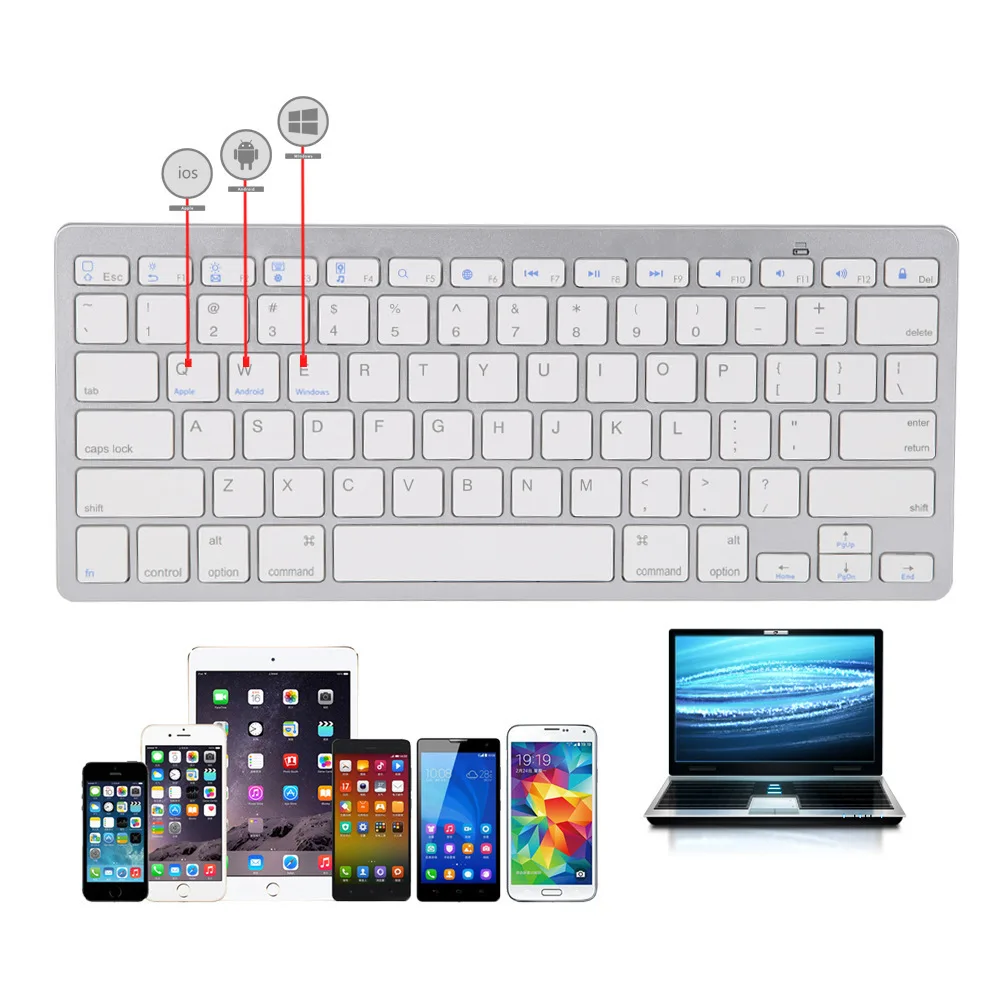
Application: Laptop,Tablet
Battery Included: No
Brand Name: WHXMSH
Certification: CE,NONE
Full Size keyboard: No
High-concerned chemical: None
Interface Type: Bluetooth
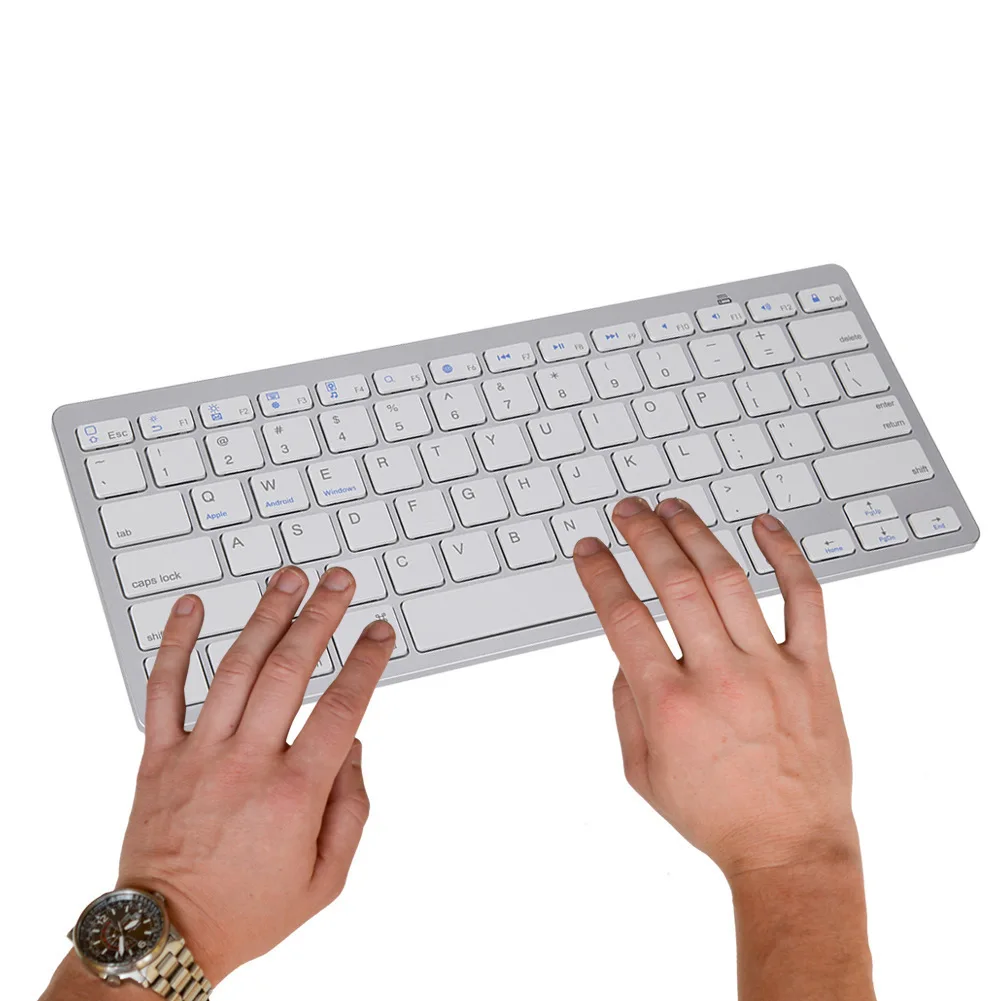
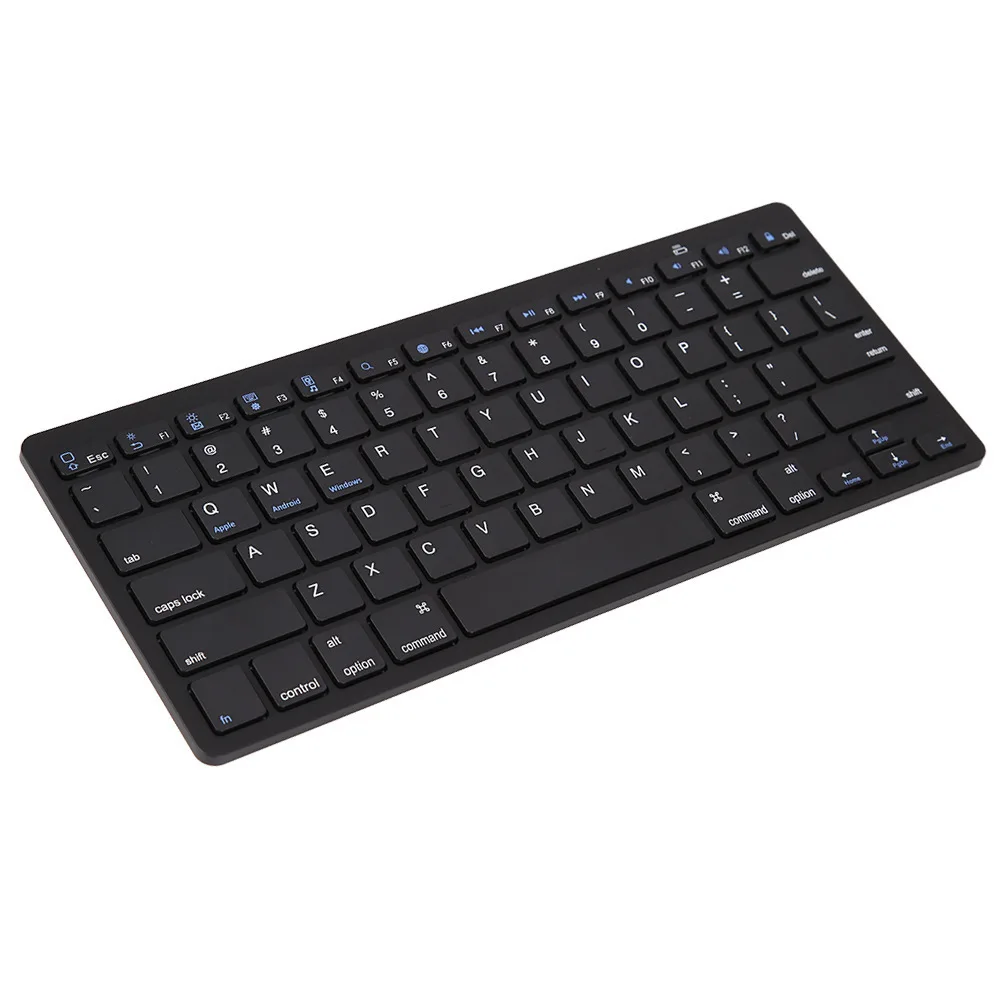
Keyboard Standard: 78 Keys
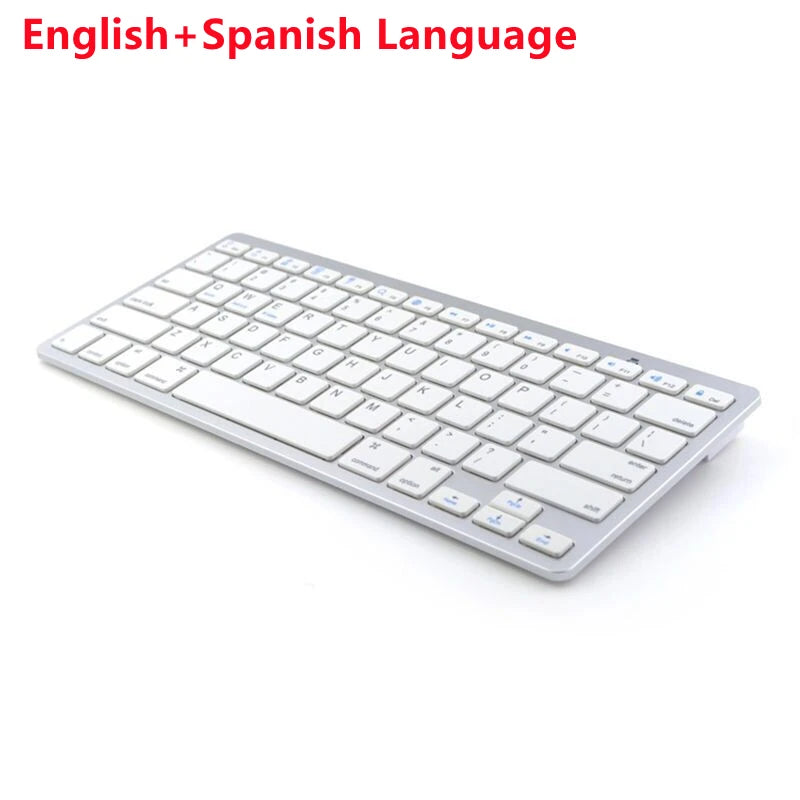
Language: Hebrew,Russian,English,Japanese
Operation Style: MEMBRANE
Origin: Mainland China
Package: Yes
Style: Standard,Slim,Ergonomics,Gaming,For Laptop,for Tablet
Type: Bluetooth Wireless
Wrist Support: No
battery: 2*AAA batteries(not in the package)
feature-1: bluetooth keyboard,wireless bluetooth keyboard,Spanish keyboard
feature-2: Italian keyboard,Portuguese keyboard,Korean keyboard
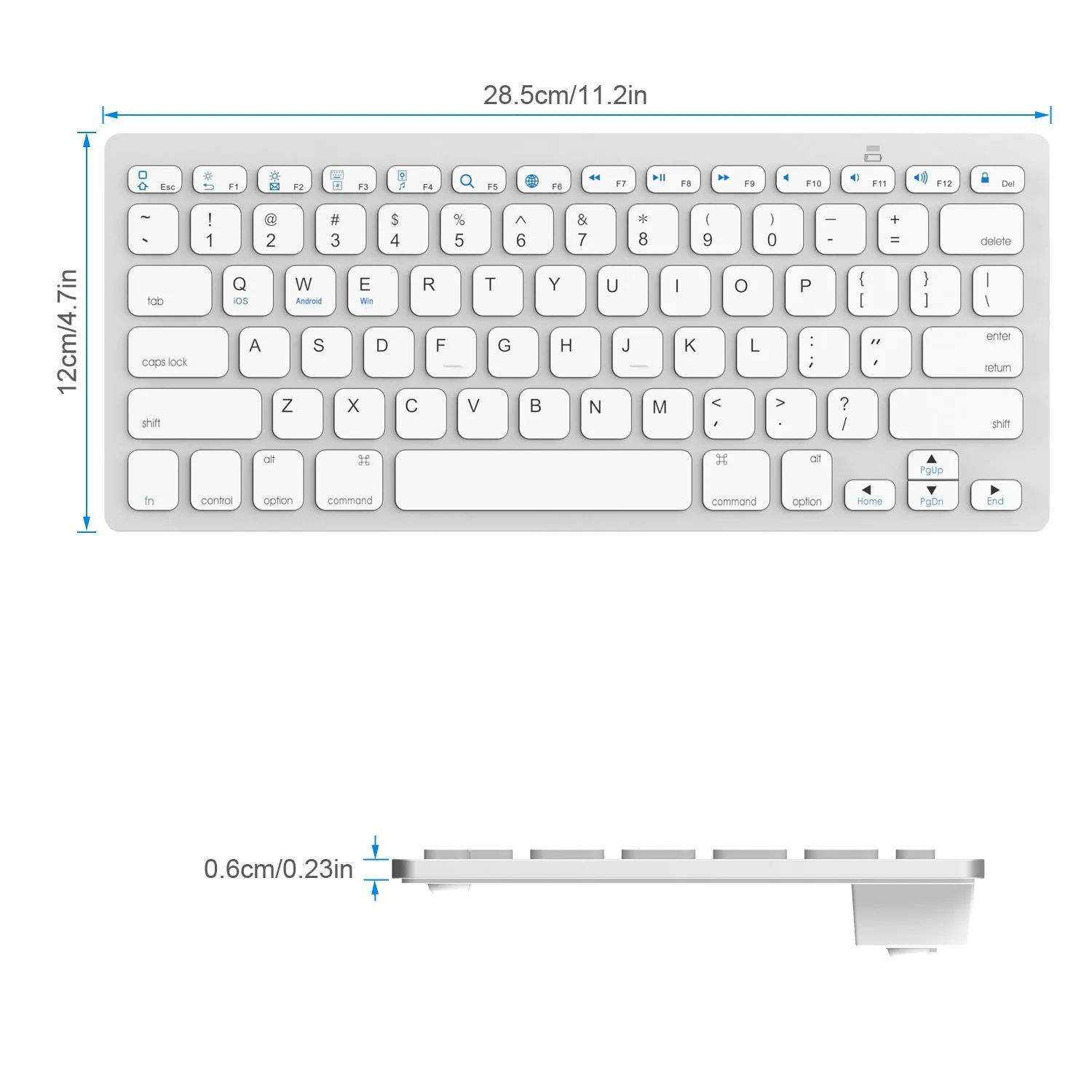
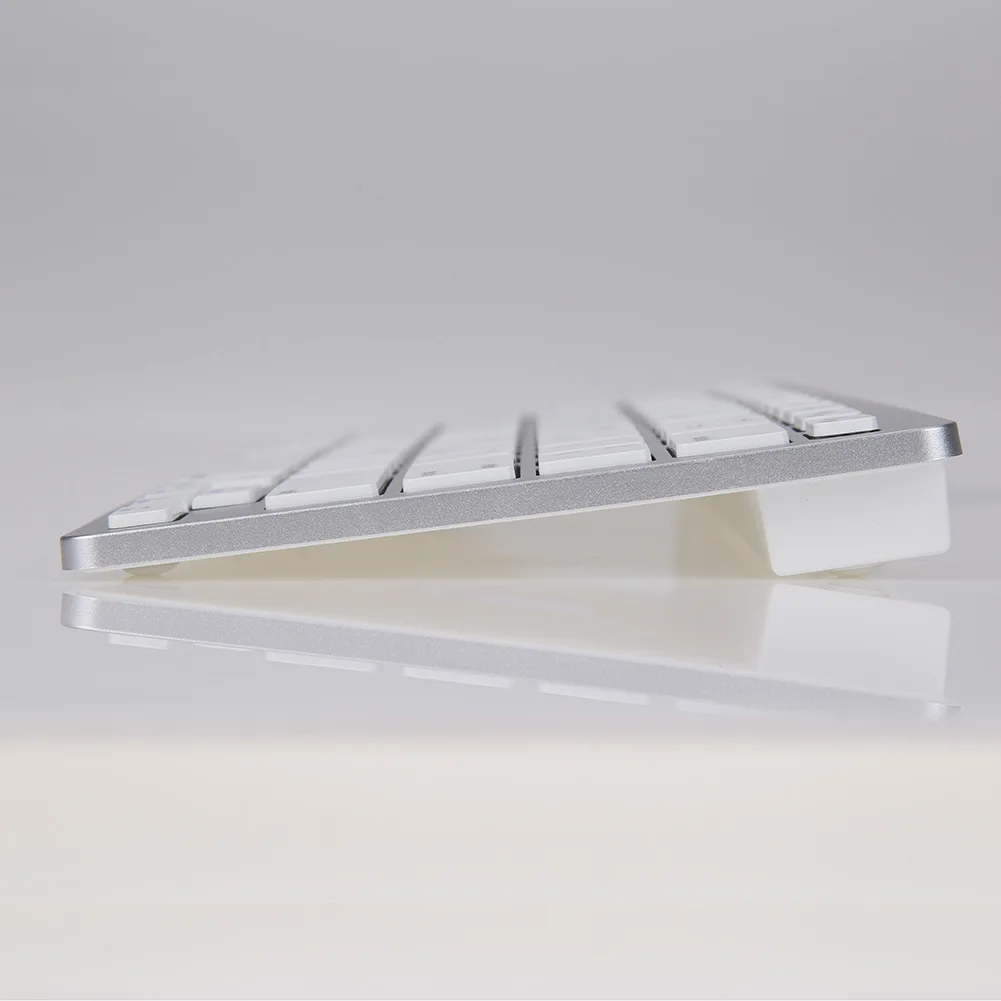
size: 28.5*12*1.8cm
Packing: 1*Bluetooth-compatible keyboard,
1*Instructions (without battery)
Battery: 2*AAA battery(without battery)
Note:This is not the original Mac keyboard, it just supports Mac!!
Shortcut keys for switching languages:
Mac: Ctrl+Spacebar
Windows:shift + ctrl
Note: The language switch button in the Korean keyboard can only be used in Win.When using Mac or iPad, you can only switch languages through the Ctrl+Spacebar.